TruAirPlay Audio Receiver Pro2.2.13
Publisher Description
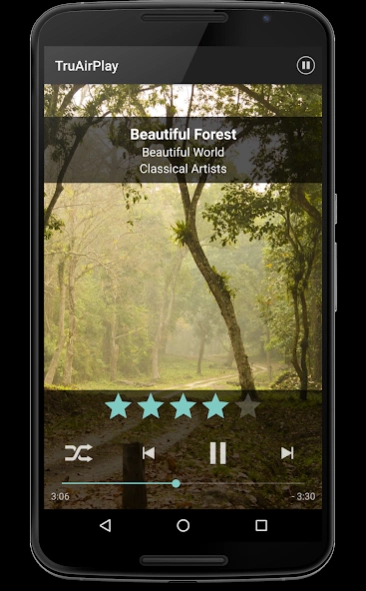
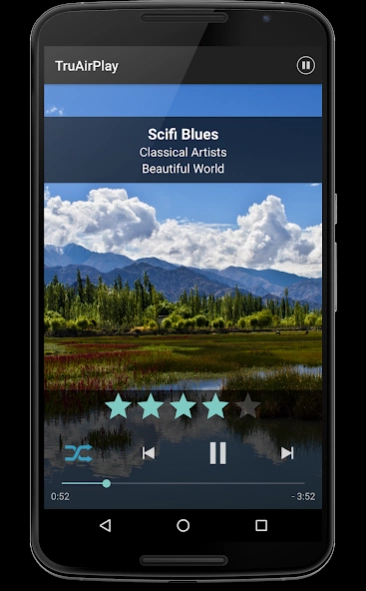
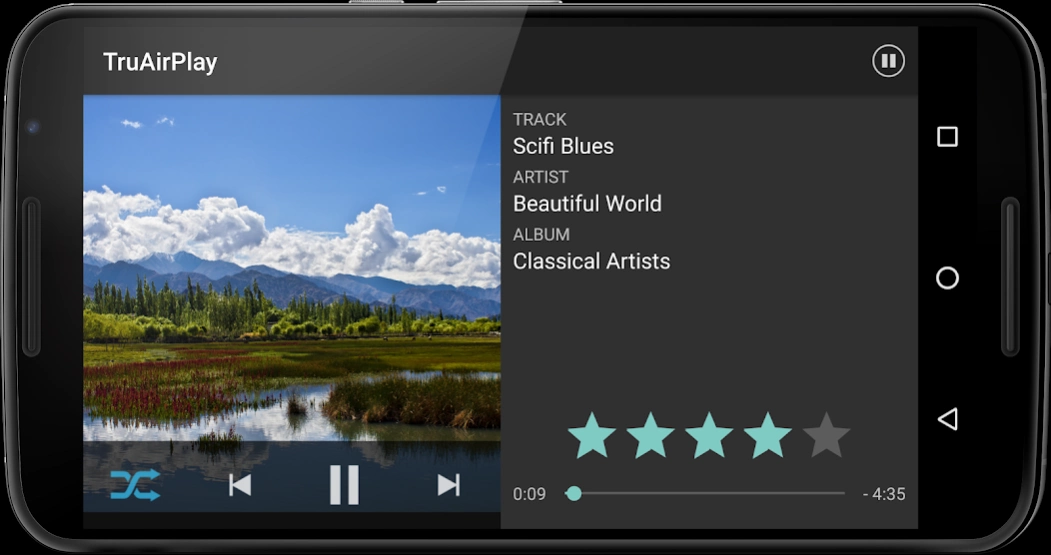
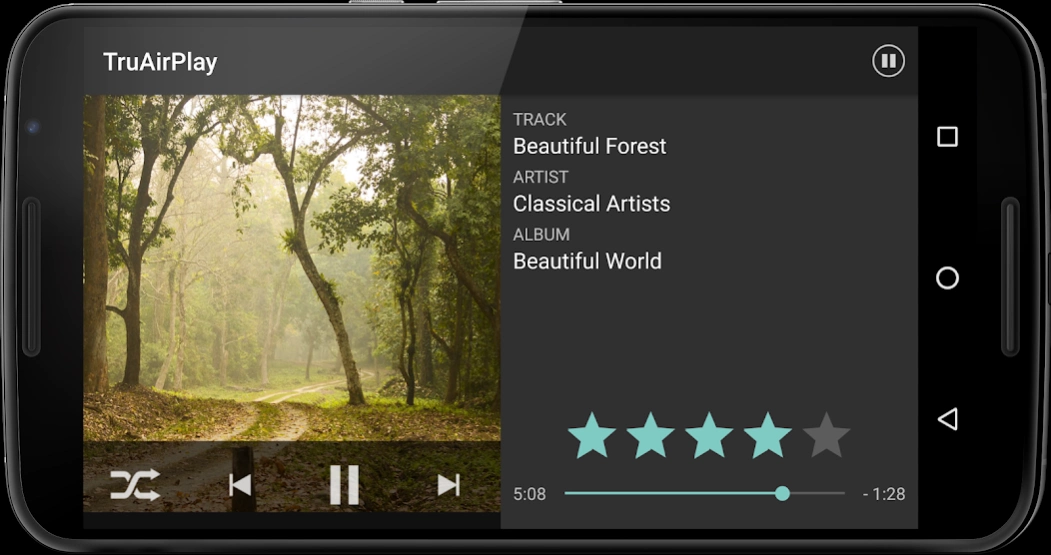
TruAirPlay is a lightweight AirPlay audio receiver with Remote control & Artwork
TruAirPlay is a lightweight AirPlay audio receiver with Remote control & Artwork display feature.
It will appear in AirPlay applications (such as itunes / Music in iPhone or iPad) as a device you can play music to.
It works in the background, streaming music to your Android device.
IMPORTANT: before starting the app, make sure Android device & iPhone / iPad / iTunes are connected to a WiFi network.
Features:
- Stream audio from AirPlay clients (itunes, iOS, airfoil, ...)
- Play in sync with other Airplay receivers
- Can Remote control iTunes like play, pause, next track, previous track, shuffle on, shuffle off
- Displays Artwork while playing
- Run in the background as a service
- Can mute playback on phone call
- Can be started on boot
Limitations:
- Audio only, no video
- Remote control doesn't work if music played from iPhone / iPad
Examples of use:
- stream your itunes music to your Android device with Hyperfine Remote for iTunes
- wireless speaker or headset
- recycle older or broken Android devices as a dedicated networked speaker
About TruAirPlay Audio Receiver Pro
The company that develops TruAirPlay Audio Receiver Pro is Tru App. The latest version released by its developer is 2.2.13. This app was rated by 1 users of our site and has an average rating of 4.0.
To install TruAirPlay Audio Receiver Pro on your Android device, just click the green Continue To App button above to start the installation process. The app is listed on our website since 2020-11-18 and was downloaded 49 times. We have already checked if the download link is safe, however for your own protection we recommend that you scan the downloaded app with your antivirus. Your antivirus may detect the TruAirPlay Audio Receiver Pro as malware as malware if the download link to com.mm.TruAirPlay.audio.full is broken.
How to install TruAirPlay Audio Receiver Pro on your Android device:
- Click on the Continue To App button on our website. This will redirect you to Google Play.
- Once the TruAirPlay Audio Receiver Pro is shown in the Google Play listing of your Android device, you can start its download and installation. Tap on the Install button located below the search bar and to the right of the app icon.
- A pop-up window with the permissions required by TruAirPlay Audio Receiver Pro will be shown. Click on Accept to continue the process.
- TruAirPlay Audio Receiver Pro will be downloaded onto your device, displaying a progress. Once the download completes, the installation will start and you'll get a notification after the installation is finished.
Program Details
System requirements
Download information
Pricing
Version History
version 2.2.13
posted on 2020-11-18
version 1.3.1
posted on 2016-05-13
Support for Android TV,Progress bar added,Time elapsed & Time remaining feature added,Logo updated,Layouts updated,Bug Fix
